Registration,
Made Simple.
No account, no app, no password. One form and one Venmo payment. Most parents finish in about five minutes.
Choose your program
Decide which program fits your athlete. Not sure? Try the Blueprint Builder and it will recommend one.
Fill out the registration form
Tap the button below to open our registration form (it's a Google Form, so it works on any phone). You'll enter:
- Parent or guardian name, email and phone
- Each player's name, date of birth, graduation year and experience level (up to 4 players on one form)
- An emergency contact and any medical notes coaches should know
- The program you picked in Step 1 (for example, "Blueprint Collective Session 2" or "Private Lessons, 3-pack")
Sign the liability waiver
The waiver is the last page of the same form, so there's nothing separate to print or mail. Read it, check the box and type your full name to sign. When you submit, the thank-you screen shows the Venmo link for Step 4.
Pay with Venmo
Send your payment to @Bravo_6_eventsllc. In the Venmo note, write the player's name and the program so we can match it to your form.
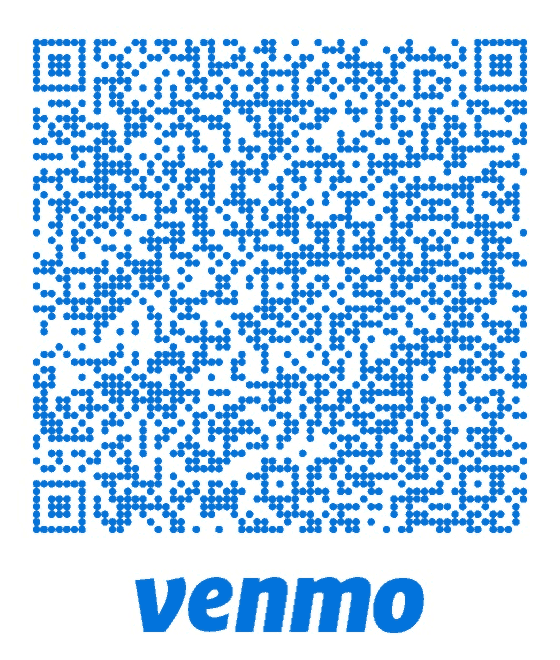
Tap Pay and Venmo opens with $196 filled in. Add the player's name to the note. Paying for private lessons? Tap All Payment Options.
Get your confirmation
Once we receive your payment, we'll mark you paid and send a confirmation email with the schedule, what to bring and the attendance policy. Your spot is reserved when both the form and payment are in.
Registration FAQ
Do I need to create an account or download an app?
No. Registration is one online form plus a Venmo payment. There is no login and nothing to download.
I have more than one child. Do I fill out the form twice?
No. One form covers up to four players. If you have more than four, submit a second form.
I don't have Venmo. How else can I pay?
Email rick@bravo6events.com or call (410) 458-1710 and we'll sort out another option.
Venmo asked me if this is a purchase or a friend payment. Which do I pick?
Either works. If you aren't sure, pick the option Venmo suggests and include the player's name and program in the note.
How do I know I'm registered?
You'll see a thank-you screen as soon as the form is submitted, and you'll get a confirmation email from us once your payment is received. If you haven't heard from us within two days of paying, email Coach Rick.
I made a mistake on the form. What do I do?
Just email Coach Rick with the correction. No need to submit a new form.
Can I sign up for private lessons with the same form?
Yes. Choose Private Lessons on the form, pay for the package you want, then book your time on the Private Lessons page.
Start Your Registration
Still stuck? Call or text Coach Rick at (410) 458-1710 and he'll walk you through it.